One widget tree, in a window or a terminal.
Build desktop apps and terminal apps from one codebase, with ready-made components, light and dark themes, and state that updates the screen for you.
Not on crates.io yet. The package is sigil-ui; code imports sigil:
[dependencies]sigil-ui = { git = "https://github.com/manaforged/sigil" } Window
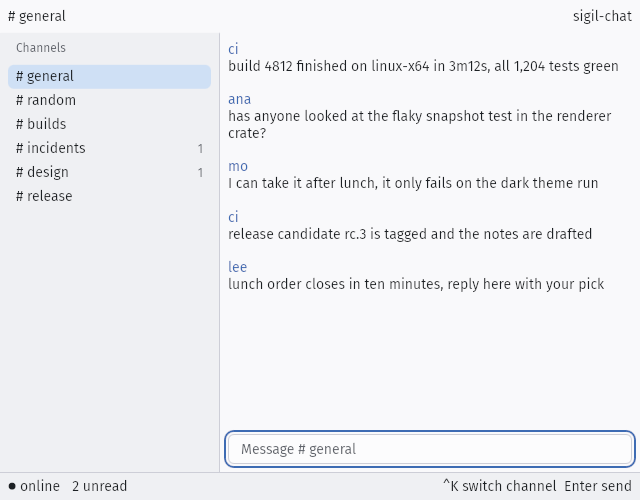
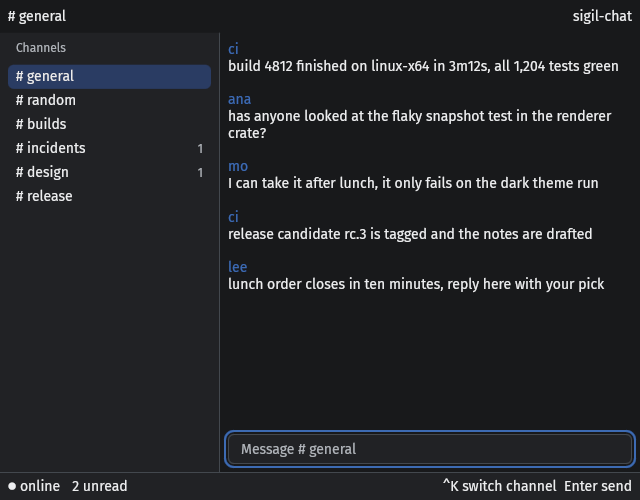
Terminal
Window
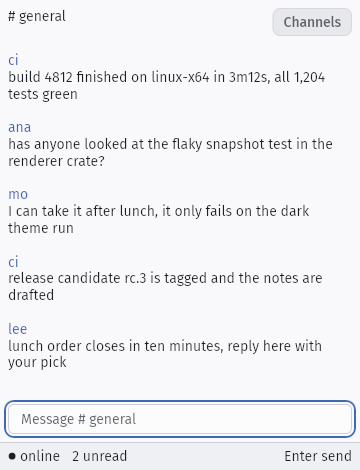
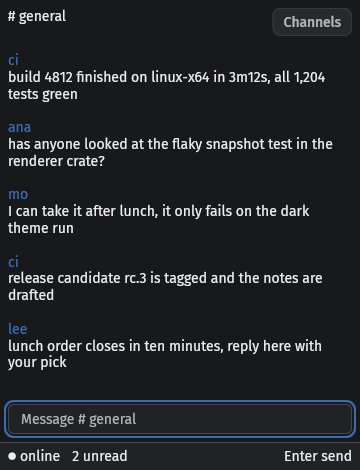
Terminal
Three ways to run it
- Desktop
- Your app opens as a native window drawn on the GPU, with a CPU fallback for machines without one.
- Terminal
- Needs no GPU, only a character grid and colour, so the same app runs over SSH.
- Inside your app
- Already have a window or a game engine? Mount the tree on a
sigil::Hostand draw your interface into it.
A complete app
Change the count and the label follows. There are no redraw calls to write.
use sigil::prelude::*; fn main() -> sigil::AppResult<()> { sigil::run(AppConfig::new("Sigil - hello-counter").size(480, 240), app_tree) } fn app_tree() -> impl IntoNode { let count = signal(0_i32); column() .layout(LayoutStyle::default().padding(32.0)) .bg(Token::Surface) .child(text(move || format!("Count: {}", count.get()))) .child(button("Increment").primary().activate(move || count.update(|n| *n += 1))) }use sigil::prelude::*; fn main() -> sigil::AppResult<()> { sigil::run( AppConfig::new( "Sigil - hello-counter", ) .size(480, 240), app_tree, )} fn app_tree() -> impl IntoNode { let count = signal(0_i32); column() .layout( LayoutStyle::default() .padding(32.0), ) .bg(Token::Surface) .child(text(move || { format!("Count: {}", count.get()) })) .child( button("Increment") .primary() .activate(move || { count.update(|n| *n += 1) }), )}Turn on the terminal feature, add .terminal() to the config, and the same app runs in a terminal.
Next
- Getting started
Add sigil-ui from Git, open a window, and run the same tree in a terminal.
- Examples
Complete Sigil programs with captures and source.
- All components
Buttons, tables, dialogs, charts, and the rest, each captured in every state.